Stop Leaking Your Keys: A Beginner’s Guide to Hiding Secrets in Flutter
SR
Sabin Ranabhat
Published December 10, 2025 • Updated January 22, 2026•4 min read

To keep your sensitive credentials secure, you should use Native Configuration files and Environment Variables. These sit exclusively on your computer and are ignored by version control (Git), ensuring your secrets are never exposed on GitHub.
🤖 Android: Using local.properties
The android/local.properties file is an ideal vault because it is ignored by Git by default in standard Flutter templates.
Security best practice: Always verify that
android/local.propertiesis listed in your project's.gitignorefile. If it's missing, add the following line to prevent secrets from being committed to version control:android/local.properties
Step 1: Add your Secrets
Open android/local.properties and add your keys:
MY_SECRET_API_KEY=your_actual_value_here
FIREBASE_API_KEY=your_firebase_key_here
Step 2: Inject into the Manifest
Open android/app/build.gradle.kts. At the top of the file, add this block to read your properties:
val localProperties = Properties()
val localPropertiesFile = rootProject.file("local.properties")
if (localPropertiesFile.exists()) {
    localProperties.load(localPropertiesFile.inputStream())
}

android {
    defaultConfig {
        manifestPlaceholders["myApiKey"] = localProperties.getProperty("MY_SECRET_API_KEY")
        manifestPlaceholders["firebaseApiKey"] = localProperties.getProperty("FIREBASE_API_KEY")
    }
}
Step 3: Use in Manifest
In AndroidManifest.xml, reference the keys:
<meta-data android:name="com.service.API_KEY" android:value="${myApiKey}" />
<meta-data android:name="com.firebase.API_KEY" android:value="${firebaseApiKey}" />
🍎 iOS: Using .xcconfig
For iOS, we use a configuration file so that secrets never touch your source code.
Step 1: Create the Secret File
-
In your
ios/folder, create a file namedSecrets.xcconfig. -
Add your keys:
MY_SECRET_API_KEY=your_actual_value_hereandFIREBASE_API_KEY=your_firebase_key_here -
Important: Add
ios/Secrets.xcconfigto your.gitignore. -
Link the secrets file in your build configuration: Open both
ios/Flutter/Debug.xcconfigandios/Flutter/Release.xcconfig, and add this line at the top of each file:#include? "Secrets.xcconfig"
Step 2: Reference in Info.plist
In ios/Runner/Info.plist, map properties to those variables:
<key>MySecretApiKey</key>
<string>$(MY_SECRET_API_KEY)</string>
<key>FirebaseApiKey</key>
<string>$(FIREBASE_API_KEY)</string>
Step 3: Initialize in AppDelegate
Open ios/Runner/AppDelegate.swift:
let apiKey = Bundle.main.object(forInfoDictionaryKey: "MySecretApiKey") as? String
let firebaseApiKey = Bundle.main.object(forInfoDictionaryKey: "FirebaseApiKey") as? String
// Use apiKey and firebaseApiKey to initialize your SDKs
🐦 Flutter: Using Envied for Type-Safe Secrets
While native files are great for SDKs that run in the background (like Maps), you often need keys directly in your Dart code for API calls. For this, we use the Envied package. It provides type-safety and obfuscation, making it more secure than traditional .env loaders.
Step 1: Create the .env file
In your project root, create a file named .env:
API_BASE_URL=https://api.example.com
CLIENT_SECRET=my_dart_secret
FIREBASE_API_KEY=your_firebase_key_here
Add .env to your .gitignore!
Step 2: Configure pubspec.yaml
Add the dependencies. Since envied uses code generation, we need build_runner and envied_generator in dev_dependencies:
dependencies:
  envied: ^1.3.2

dev_dependencies:
  envied_generator: ^1.3.2
  build_runner: ^2.10.4
Note: Unlike
flutter_dotenv, you do not need to add the.envfile to yourassetsinpubspec.yaml. The values are compiled into Dart code.
Step 3: Create the Env Class
Create a file lib/env/env.dart. This class will map your .env variables to Dart fields:
import 'package:envied/envied.dart';

part 'env.g.dart';

@Envied(path: '.env')
abstract class Env {
    @EnviedField(varName: 'API_BASE_URL')
    static const String apiBaseUrl = _Env.apiBaseUrl;

    @EnviedField(varName: 'CLIENT_SECRET', obfuscate: true)
    static const String clientSecret = _Env.clientSecret;

    @EnviedField(varName: 'FIREBASE_API_KEY', obfuscate: true)
    static const String firebaseApiKey = _Env.firebaseApiKey;
}
Step 4: Generate the Code
Run the build command to generate the env.g.dart file:
dart run build_runner build --delete-conflicting-outputs
Step 5: Use it anywhere
Now you can access your secrets with full type-safety:
import 'package:my_app/env/env.dart';

void main() {
  print(Env.apiBaseUrl); // Works like a regular constant
  print(Env.clientSecret); // Decrypted at runtime
  print(Env.firebaseApiKey); // Decrypted at runtime
}
🏁 Deployment Verification:
-
Native Android: Keys are isolated in local.properties.
-
Native iOS: Keys are isolated in Secrets.xcconfig.
-
Dart/Flutter: Dynamic keys are managed via Envied (Generated Class).
-
Git: Verified that local.properties, Secrets.xcconfig, and .env are listed in .gitignore.
-
Cloud Restrictions: Are your keys Restricted in your API provider's console (e.g., Google Cloud/Stripe) to your specific Package Name or Bundle ID?
Share this article:
Written by Sabin Ranabhat
I'm a Senior Mobile Engineer specializing in Flutter, iOS, and Android. I'm currently open to new remote roles and challenges. If you need a specialist to lead your mobile development, let's talk.
Related Posts

Blog
December 31, 2025
Mastering Flutter Pull Requests: Best Practices & Standards
Learn best practices for submitting high-quality Flutter pull requests, including writing clear titles, crafting strong descriptions, and adhering to community standards.

Blog
June 29, 2025
Add App Shortcuts in Flutter: A Step-by-Step Quick Actions Guide
Boost usability by letting users jump directly to key screens. A step-by-step guide to using Quick Actions in Flutter.
Blog
December 31, 2025
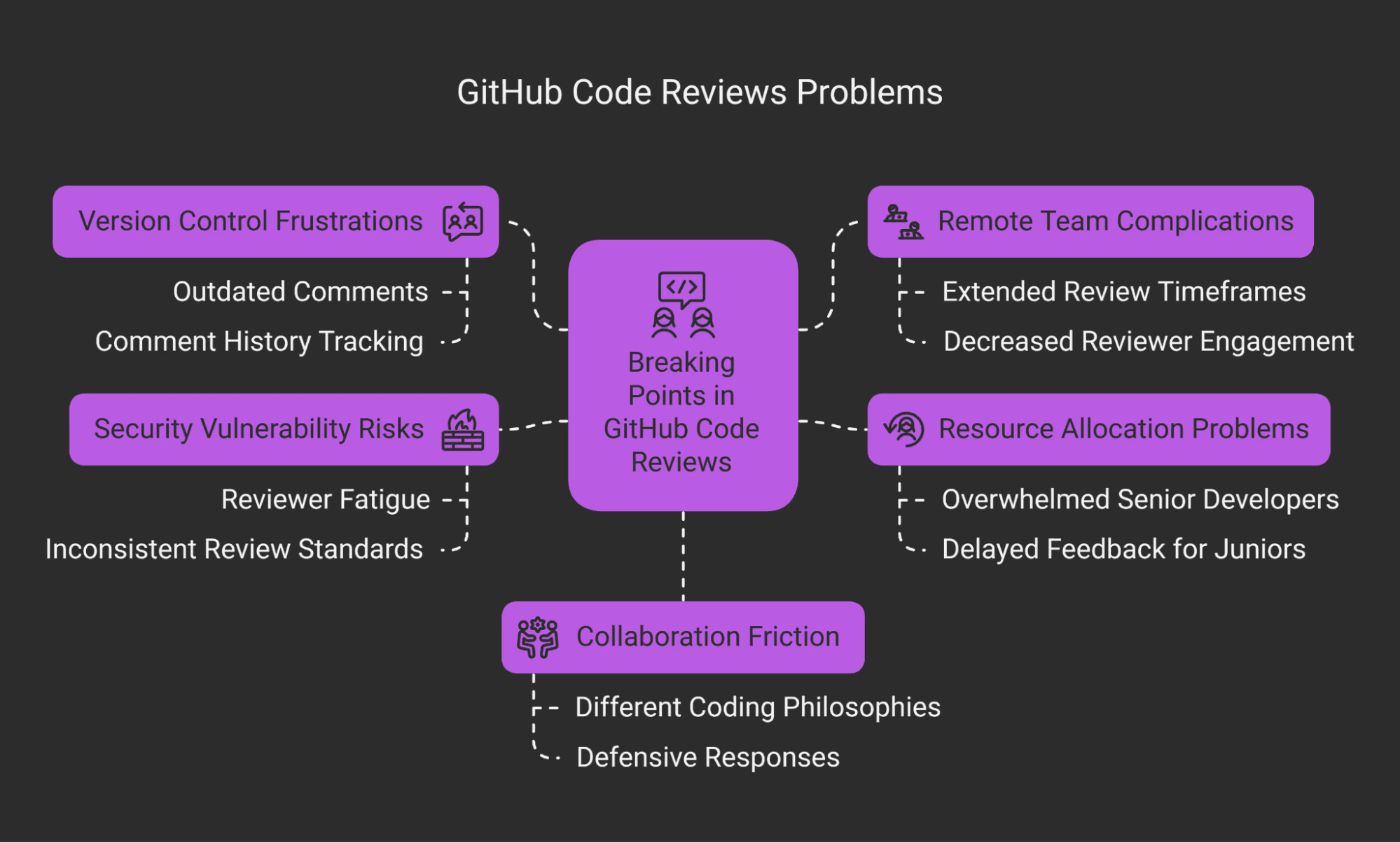
The Art of Flutter Code Review: A Guide for Reviewers & Authors
Master the art of code review in Flutter. Learn how to balance human factors with technical rigor, ensuring code quality without sacrificing team morale.

Blog
December 16, 2025
Conventional Commits: A Guide to Meaningful Git History
Instead of writing vague messages like 'fixed bug' or 'updates', this convention provides a rigorous rule set for creating an explicit commit history. This makes it easier to understand *what* happened in a project and *why*, and it enables potent automation tools (like automatic changelogs and version bumping).