Conventional Commits: A Guide to Meaningful Git History
SR
Sabin Ranabhat
Published December 16, 2025•6 min read

Conventional Commits: A Guide to Meaningful Git History
Conventional Commits is a lightweight specification for writing commit messages that are human-readable and machine-processable.
Instead of writing vague messages like "fixed bug" or "updates", this convention provides a rigorous rule set for creating an explicit commit history. This makes it easier to understand what happened in a project and why, and it enables potent automation tools (like automatic changelogs and version bumping).
1. Anatomy of a Commit Message
A conventional commit message mimics the structure of an email, with a clear header (subject), optional body, and optional footer.
<type>[optional scope]: <description>

[optional body]

[optional footer(s)]
The Header (Required)
The first line is the most important. It contains three parts:
- Type: What kind of change is this? (e.g.,
feat,fix,chore) - Scope (Optional): What part of the codebase is affected? (e.g.,
(auth),(checkout)) - Description: A short, imperative summary of the change.
The Body (Optional)
This provides more context. Use it to explain the "why" behind the change, not just the "how".
- Example: "The previous regex was causing a memory leak on large inputs. Switched to a stream-based parser."
The Footer (Optional)
Used for referencing issues or indicating breaking changes.
- Example:
Closes #123orBREAKING CHANGE: API endpoint /users renamed to /profiles
2. Commit Types (Cheat Sheet)
You only need to memorize a few major types.
| Type | Meaning | SemVer Correlation | Example |
|---|---|---|---|
feat | A new feature for the user. | MINOR (1.1.0) | feat(search): add voice search capability |
fix | A bug fix for the user. | PATCH (1.0.1) | fix(login): handle null token gracefully |
docs | Documentation only changes. | PATCH | docs: update API usage in README |
chore | Maintenance changes that don't affect src or test files. | PATCH | chore: upgrade flutter dependencies |
style | Code style changes (formatting, missing semi-colons, etc). | PATCH | style: apply dart format |
refactor | A code change that neither fixes a bug nor adds a feature. | PATCH | refactor(auth): simplify login logic |
test | Adding missing tests or correcting existing tests. | PATCH | test: add unit tests for user_service |
perf | A code change that improves performance. | PATCH | perf: optimize image loading in listview |
ci | Changes to CI configuration files and scripts. | PATCH | ci: add github actions workflow |
3. Practical Examples
✨ Feature (feat)
Used when adding new functionality.
feat(cart): add "Undo" button after removing item

Allows users to quickly recover an item if they accidentally deleted it.
🐛 Bug Fix (fix)
Used when fixing a bug.
fix(navigation): prevent double-pushing the home screen

The "Home" button was pushing a new route instead of popping to root.
This caused the navigation stack to grow indefinitely.

Closes #42
💥 Breaking Change (!)
There are two ways to mark a breaking change (which triggers a MAJOR version bump):
- Using a
!after the type/scope. - Adding a
BREAKING CHANGE:footer.
Example 1 (Using !):
feat(api)!: remove support for XML responses

We now strictly return JSON. XML parsers will fail.
Example 2 (Using Footer):
chore: drop support for Node 12

BREAKING CHANGE: The project now requires Node 14 or higher due to new crypto dependencies.
4. Good vs. Bad Examples
See the difference between a messy history and a clean one.
| ❌ Bad / Vague | ✅ Good / Conventional | Why it's better |
|---|---|---|
fixed it | fix(login): handle timeout error | Tells us what was fixed and where. |
added stuff | feat(profile): add user avatar upload | Clearly states the new feature. |
wip | (Don't commit WIPs to main) | Keep history clean. Use git rebase to squash WIPs. |
changed color | style(theme): update primary button color | Categorizes the change as stylistic. |
API change | feat(api)!: rename getAll to fetchAll | The ! warns everyone this is a BREAKING change. |
5. Why Should You Care?
- Automated Changelogs: You can use tools to generate standard changelogs automatically. No more manual writing!
- Semantic Versioning: Tools can look at your commit history (
feat,fix,BREAKING) and determine if the next version should be1.0.1,1.1.0, or2.0.0automatically. - Better Collaboration: When reviewing history (e.g.,
git log), it's immediately obvious what happened.- Scan for
fixto see recent bug patches. - Scan for
featto see what's new.
- Scan for
- Discipline: It forces you to think about the nature of your change. If you can't categorize it, your commit might be doing too many things at once.
6. FAQ
Q: What if I accidentally use the wrong type?
A: If you haven't pushed yet, use git commit --amend. If you have pushed to a shared branch, it’s usually okay to leave it unless your team relies heavily on automated releases.
Q: Can I use my own types?
A: Yes! The spec is flexible. Some teams use build:, revert:, or even emojis. Just be consistent.
Q: Should I use lower case or Title Case?
A: The spec allows either, but lower case is the most common convention in the industry (e.g., feat: not Feat:).
Q: What if a commit does multiple things?
A: That's a sign you should split it! A commit should ideally do one thing. If you fixed a bug AND added a feature, split it into two commits: fix: ... and feat: ....
Q: How do I handle revert commits?
A: The convention suggests using a revert: type. The header should contain the header of the specific commit being reverted, and the body should contain This reverts commit <hash>..
Q: Is there a character limit for the header?
A: It is meant to be a summary. A good rule of thumb is to keep it under 50 characters where possible, and strictly under 72 characters to avoid wrapping in various git tools.
Q: How granular should the scope be?
A: Scopes should be distinct modules or features (e.g., auth, payment, ui). Avoid using precise filenames (like user_service.dart) as scopes; stick to the "concept" of the component.
References
Share this article:
Written by Sabin Ranabhat
I'm a Senior Mobile Engineer specializing in Flutter, iOS, and Android. I'm currently open to new remote roles and challenges. If you need a specialist to lead your mobile development, let's talk.
Related Posts
Blog
December 31, 2025
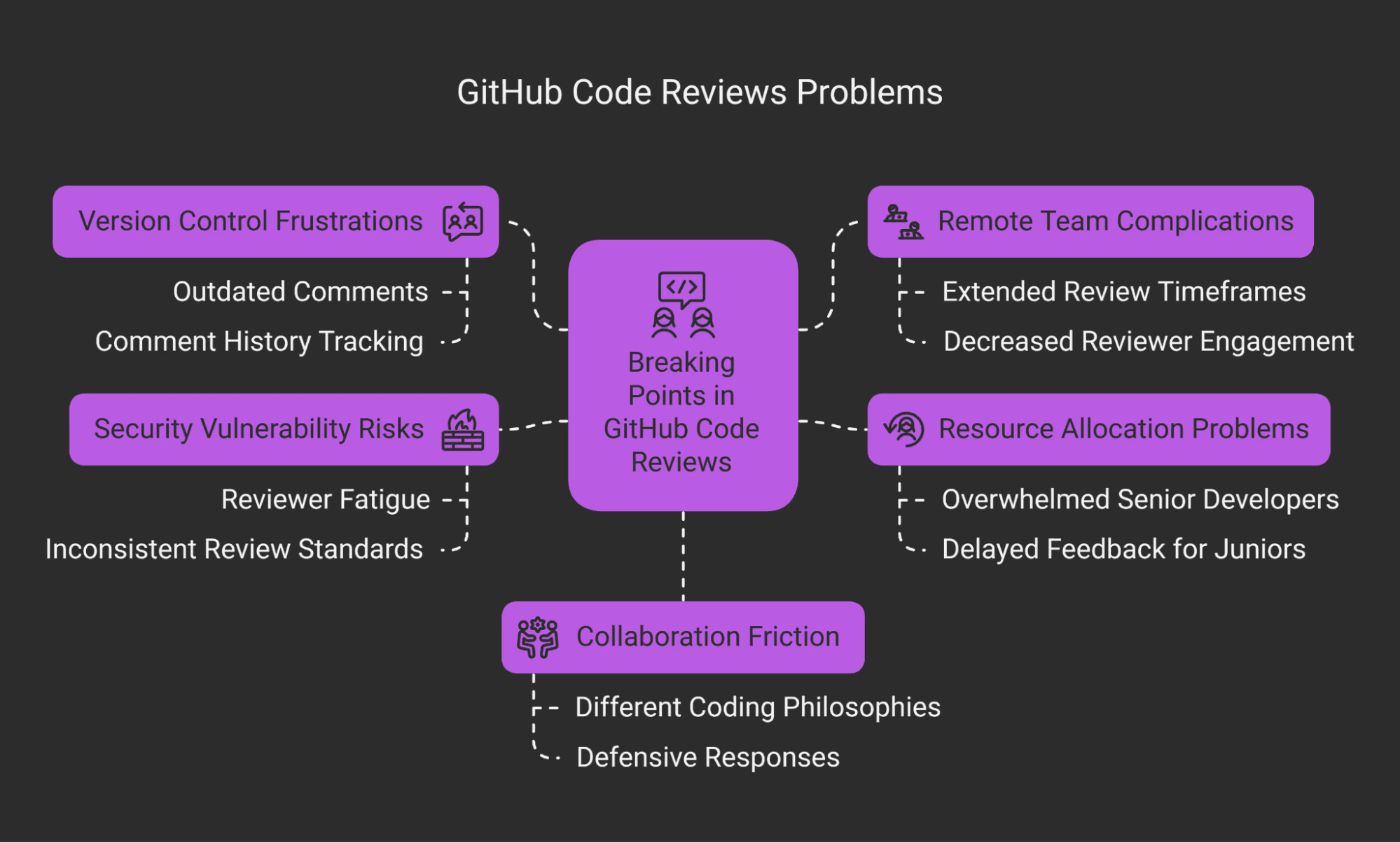
The Art of Flutter Code Review: A Guide for Reviewers & Authors
Master the art of code review in Flutter. Learn how to balance human factors with technical rigor, ensuring code quality without sacrificing team morale.

Blog
December 31, 2025
Mastering Flutter Pull Requests: Best Practices & Standards
Learn best practices for submitting high-quality Flutter pull requests, including writing clear titles, crafting strong descriptions, and adhering to community standards.

Blog
February 22, 2024
Optimize Flutter Performance: Handle Heavy Image with Ease
Learn how to handle heavy images in Flutter using debugInvertOversizedImages and ResizeImage to optimize performance and memory usage.
Blog
February 4, 2024
Exploring Parallelism on Flutter: Main Thread, Isolate and Compute
Understanding the nuances of main thread, isolates, and compute empowers you to make informed decisions about concurrency in your Flutter projects.